

Nanto Health Session Console: system manual
This manual covers every user-facing workflow in the Nanto Health Session Console, the dialysis EMR and SHA-claims system, organised by the role that does the work. It is written for the people who run a dialysis unit: reception, nursing, clinical, billing and administration.
The manual lives inside the product, behind your clinic login, so it is always the version that matches the software you are using. To save or print the whole thing as one document, use Print / export as one document.
Signing in
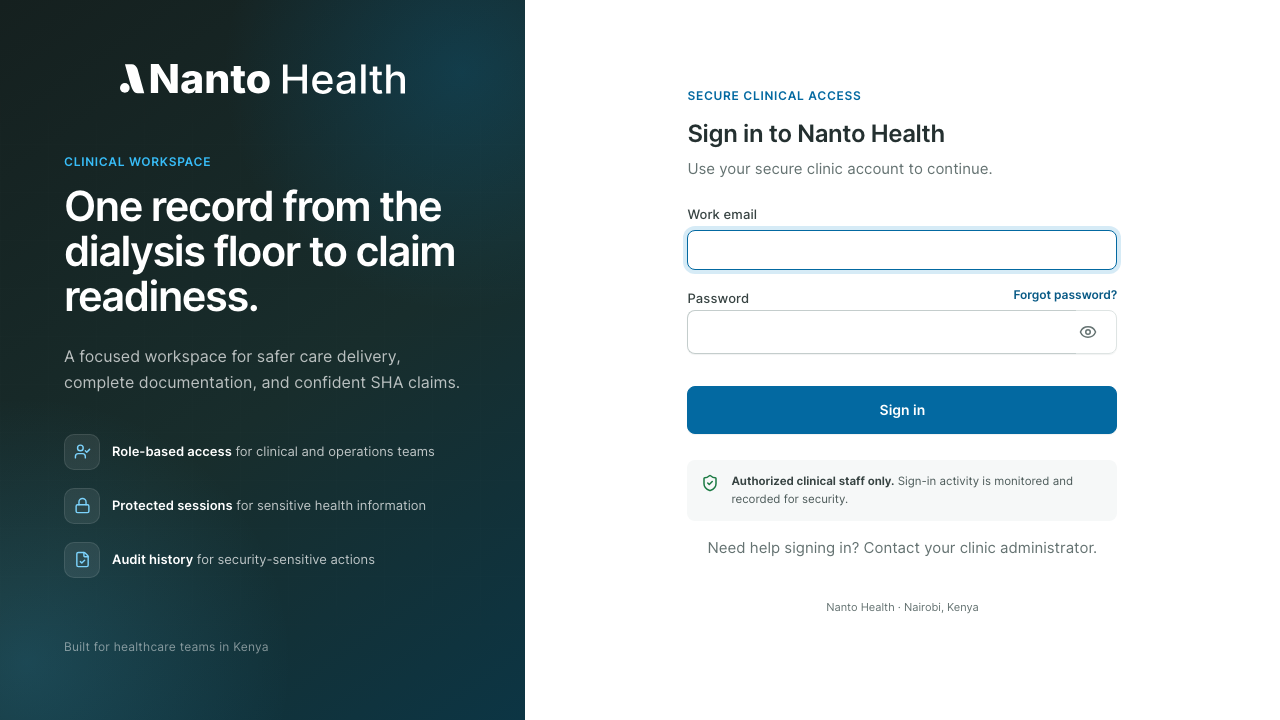
Section titled “Signing in”Open the clinic URL and sign in with your work email and password. Your role decides what you can see and do; a nurse sees the floor and the live session, a biller sees the itemised bill and claims, an administrator sees users and settings.
The console
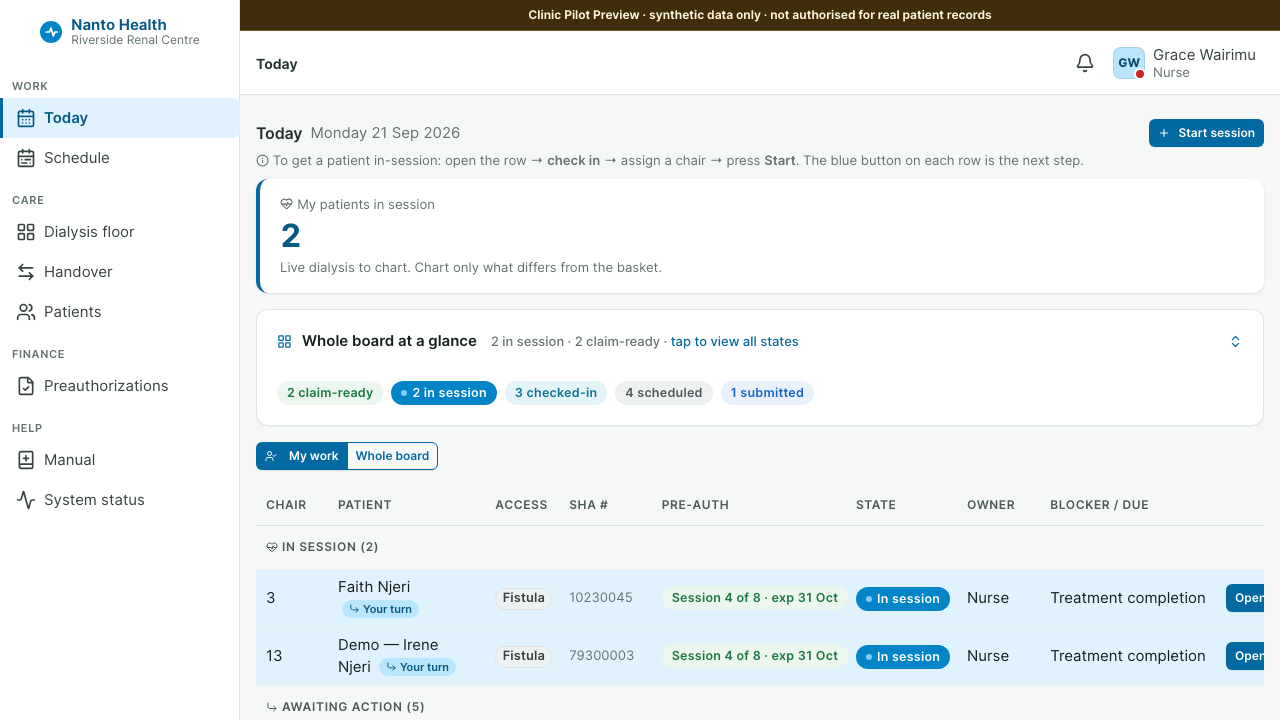
Section titled “The console”After signing in you land on the console. It shows the clinic’s day: patients expected, sessions in progress, and what needs attention. The left navigation adapts to your role and your clinic’s enabled modules, so you only see the sections you use.
How the work flows
Section titled “How the work flows”A dialysis session moves through the system in one direction, from the front desk to a paid claim:
- Reception registers or checks in the patient and confirms SHA cover.
- Nursing runs the live session: prescription, pre and post checks, the hourly flowsheet, and sign-off.
- Clinical records the diagnosis, manages the preauthorisation course, and signs the nephrologist report.
- Billing itemises the session, assembles the SHA package, and prepares the claim for submission.
- Administration manages users, access, the item master and settings.
Each role’s page in this manual covers its part of that flow.
Reading path by role
Section titled “Reading path by role”- Front desk: Reception
- Nurses: Nursing, Handover, Laboratory
- Doctors and clinical leads: Clinical, Laboratory
- Billers: Billing, Reconciliation, Inventory
- Administrators: Administration, Machines
- Everyone: Clinical decision support
Your own role’s pages are listed first in the sidebar, and every page carries the date it was last changed so you can tell how current a section is.